





Verbessern Sie Ihr Spielerlebnis mit unseren Dienstleistungen
Отримайте максимум від гри завдяки професійним рішенням
Dota 2 Launch Options – How to Customize the Game for Yourself
A Dota 2 launch option is a special system command that allows you to override some default settings with your own custom configurations.
Most often, Dota 2 launch options are used to:
-
boost in-game FPS;
-
speed up client loading;
-
improve overall performance and customization.
Some commands do not work in competitive mode. Most available options don’t affect gameplay, so they are legal to use. Below, you’ll learn how to apply them properly.
Dota 2 launch options let you lock your FPS, disable intro videos, change the language (useful for bypassing regional restrictions), and perform several other actions not available in the in-game menu.
By applying Dota 2 FPS launch options, you can maintain a stable framerate even on a low-end PC or simply speed up the game for a tactical edge.
How to Set Dota 2 Launch Options in Steam
Dota 2 launch options are set through the Steam command line. Just open your Library, right-click on Dota 2, and select "Properties."
At the bottom, you’ll find the launch options field, where you can enter parameters in the “-parameter” format. You can add as many commands as you want—just separate them with spaces so the system loader reads each correctly. You can also remove individual options anytime.
Useful Dota 2 Launch Options
Curious about the most helpful Dota 2 launch commands? GoRanked experts have compiled a list of recommended options that improve your everyday experience.
Here are some useful launch options for regular gameplay:
| Command | Effect |
|---|---|
-autoconfig |
Resets video and performance settings to default. Ignores .cfg files while active. |
-con_enable 1 |
Enables the in-game console. |
-console |
Opens the console automatically on game launch. |
-dashboard <code> |
Changes main menu/loading screen. Examples: international_2012, spirits_2013. These are from past events and not selectable via settings. |
-enable_addons |
Enables Valve-approved custom content (HUD, minimap, icons, etc.). |
-fullscreen |
Launches the game in fullscreen mode. |
-h <height> |
Sets screen height in pixels. Example: -h 768. |
-heapsize |
Allocates RAM. -heapsize 524288 = 512 MB; 1048576 = 1 GB. |
-high |
Gives Dota 2 high CPU priority. |
-language <code> |
Changes game language. Example: -language english. |
-nexon |
Enables Korean Nexon servers (requires Nexon account). |
-noborder |
Borderless windowed mode — may improve performance. |
-nod3d9ex |
Disables Windows Aero DirectX for better performance. |
-noforcemaccel, -noforcemspd, -useforcedmparms |
Use Windows mouse acceleration/speed settings. |
-nomousegrab |
Enables Alt+Tab on Linux (XFCE, etc.). |
-novid |
Skips the intro video on startup. |
-override_vpk |
Allows custom VPK mods (disabled in matchmaking). |
-perfectworld |
Enables Chinese Perfect World servers. |
-threads <cores> |
Use a specified number of CPU threads. |
-w <width> |
Sets screen width in pixels. Example: -w 1024. |
-windowed |
Launches the game in windowed mode. |
These launch options help you fine-tune the game to your liking. Keep in mind that some commands are auto-disabled in competitive mode or may prevent you from joining it.
Looking for more helpful Dota 2 insights? Browse other articles at Goranked.GG or try the mentorship service to master the game faster!
Lesen Sie auch



GTA 6 vs GTA 5: Jede große Änderung, die im nächsten Spiel von Rockstar kommt
Ein detaillierter Vergleich von GTA 6 vs GTA 5, der Kartendesign, Gameplay, KI, Grafik, Story und Online-Modus abdeckt, um alle wichtigen Änderungen im nächsten Spiel von Rockstar hervorzuheben.
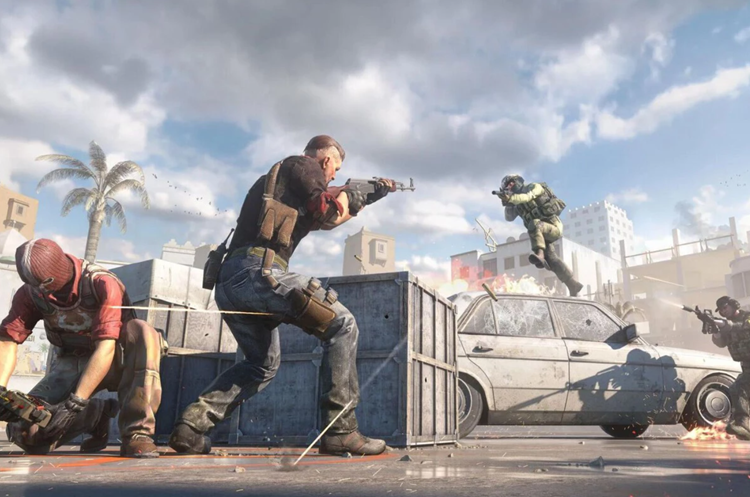

CS2 Reload Überarbeitung — März 2026 Update
Valve hat im März 2026 das Nachladesystem von CS2 überarbeitet – ungenutzte Magazinammunition wird jetzt beim Nachladen verworfen, sodass jede Kugel zählt. Hier ist alles, was sich geändert hat, welche Waffen am stärksten betroffen waren und wer als Gewinner hervorging.
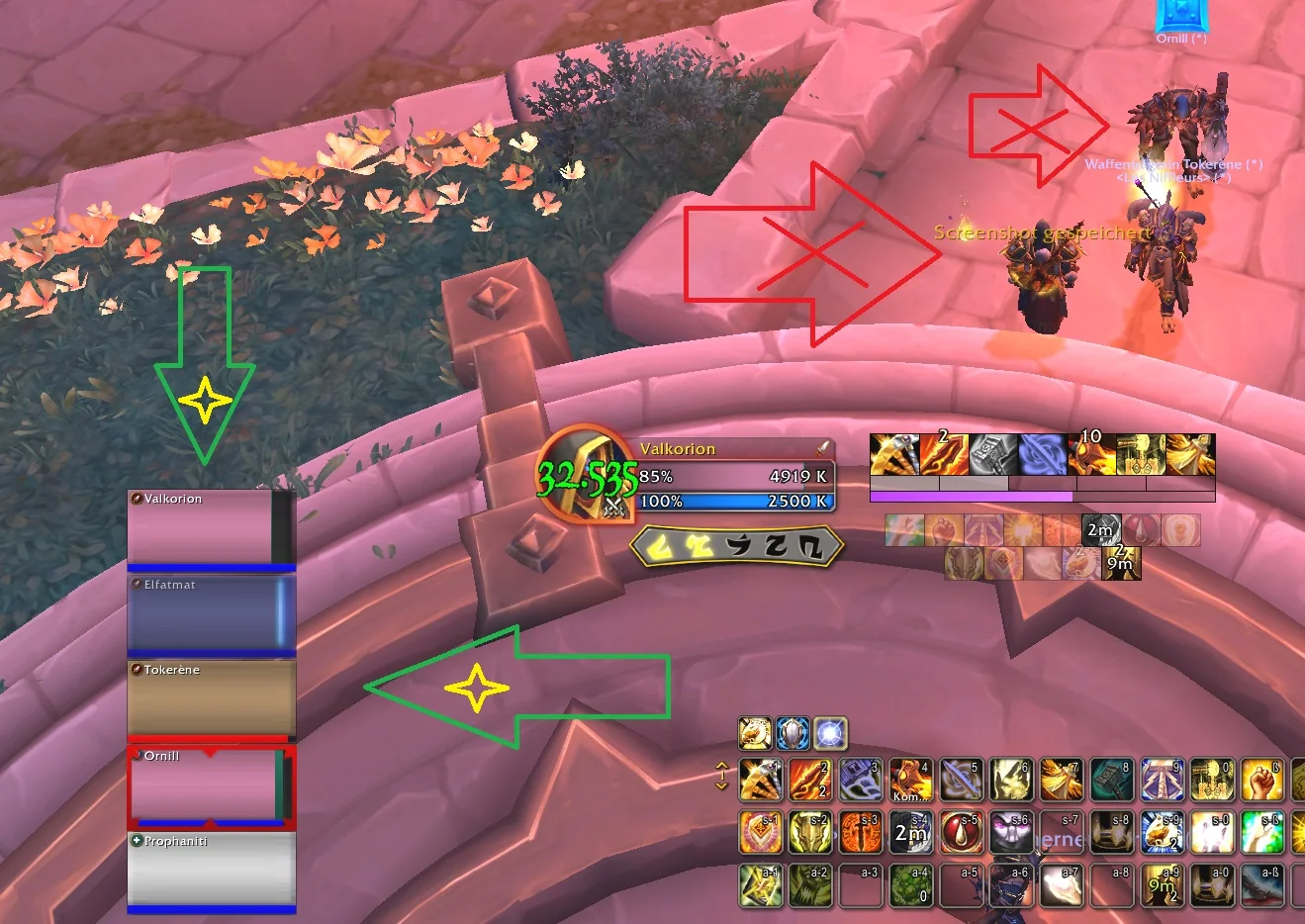

WoW Addons Guide: Alles, was du wissen musst
Ein vollständiger WoW-Addons-Leitfaden, der Midnight-Änderungen, essentielle Einstellungen und die besten Addons für Benutzeroberfläche, Raids und Lebensqualität in World of Warcraft abdeckt.

Dota 2 Solo-Queue-Leitfaden: Die besten Helden, um dein MMR zu steigern
Beste Dota 2 Solo-Queue-Helden, um dein MMR schnell zu steigern. Erfahre, welche Picks ohne Teamkoordination Wirkung zeigen und wie du den richtigen Helden wählst, um deine Spiele konstant zu tragen.


Fortnite – Tipps & Tricks von den Profis
Fortnite-Tipps und -Tricks für jedes Fähigkeitsniveau. Lerne grundlegende Anfängerkenntnisse, fortgeschrittene Strategien und fortgeschrittene Techniken, um dein Gameplay zu verbessern, mehr Kämpfe zu gewinnen und in Matches konstant höher zu platzieren.

Beste Champions für den LoL Arena-Modus
Beste LoL Arena-Champions, Top-Picks und Gewinnstrategien. Lerne, wie du Augments, Champion-Synergien und Builds nutzen kannst, um den League of Legends Arena-Modus zu dominieren und schneller aufzusteigen.
Kommentare zum Artikel
Поки немає коментарів. Будьте першим!
Kommentar hinterlassen